
AI Agent Tool Permissions: Least-Privilege Matrix for Production Workflows
Key answerAI agent tool permissions define which external APIs, data records, and state-changing actions an autonomous workflow can invoke. Safe production systems separate read-only lookups from bounded writes and require human approval before irreversible actions such as billing, deletions, or external emails. Scoping permissions at the code and API layer prevents prompt errors from becoming operational incidents.
Connecting a language model to live company software is where prototypes become business liabilities. A single prompt injection or misread customer ticket can turn an unrestricted API key into deleted CRM records or duplicate refunds. Defining ai agent tool permissions before writing your system prompt ensures the model can only touch the exact fields and actions a workflow requires.
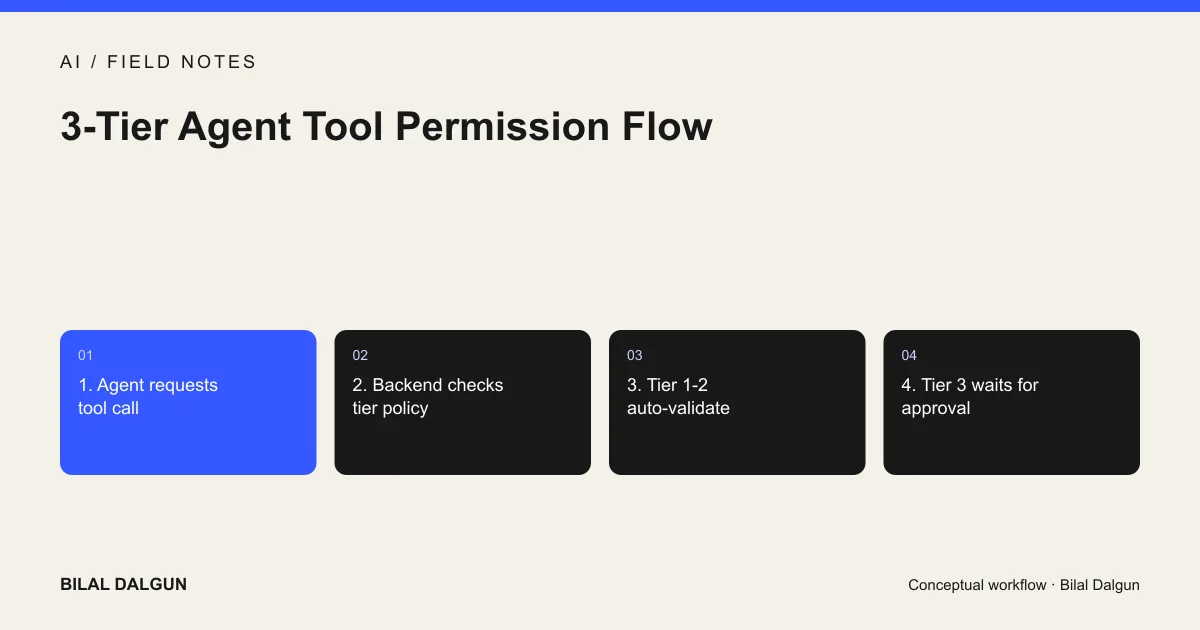
Why do ai agent tool permissions matter in production?
AI agent tool permissions establish hard boundaries around what an LLM can inspect or modify, independent of how well the model follows instructions. In Anthropic's guide to building effective agents, engineering teams emphasize keeping agent patterns simple, composable, and transparent rather than handing autonomous loops unchecked control.
When a model invokes a function, your application executes the underlying code. As documented in Claude's tool use overview, client tools return structured tool_use requests that your backend validates and runs. That execution boundary is where real authorization belongs.
Prompts can guide behavior, but only deterministic permission tiers stop an unexpected argument from altering customer data or triggering unapproved spending.
The 3-Tier Least-Privilege Tool Matrix
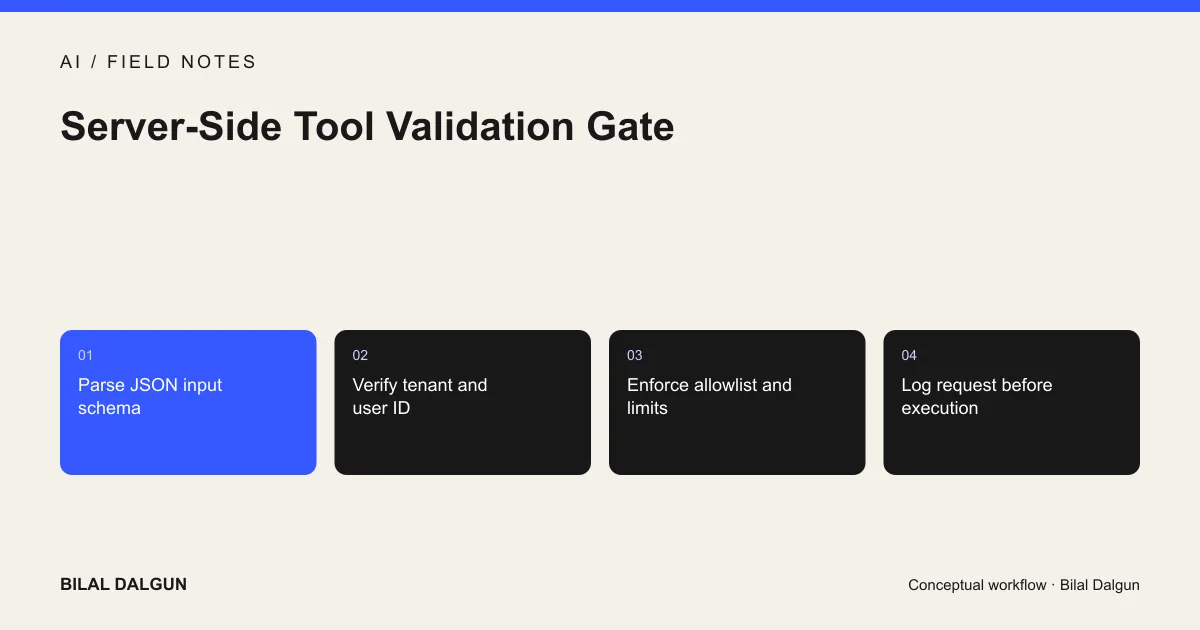
To keep permissions auditable, classify every tool into one of three execution tiers before exposing its schema to the model. Never bundle read and write operations inside a single multi-purpose endpoint when separate scoped tools make authorization explicit.
For instance, consider a hypothetical B2B operations team deploying a support triage agent. The team gives the agent a Tier 1 read tool to look up order status and a Tier 2 tool to create an internal draft note, while forcing any refund or account cancellation through a Tier 3 approval queue. Even if a user tries to trick the agent into issuing a credit, the backend simply has no unapproved refund endpoint to call.
| Permission Tier | Allowed Operations | Auth & Validation Control | Human Approval Required? | Example Business Tool |
|---|---|---|---|---|
| Tier 1: Read-Only | Fetch records, search docs | Scoped read token, row filter | No | Lookup invoice status by ID |
| Tier 2: Bounded Draft | Create drafts, tag tickets | Strict schema, rate limit, allowlist | Optional async review | Save draft CRM reply for rep |
| Tier 3: State-Changing | Send emails, refund, delete | Signed approval token, idempotency | Yes, mandatory gate | Issue payment refund via API |
| Tier 0: Blocked | Admin config, key rotation | Excluded from tool registry | Never agent-accessible | Modify workspace billing or IAM |
Rule 1: Separate read views from write endpoints
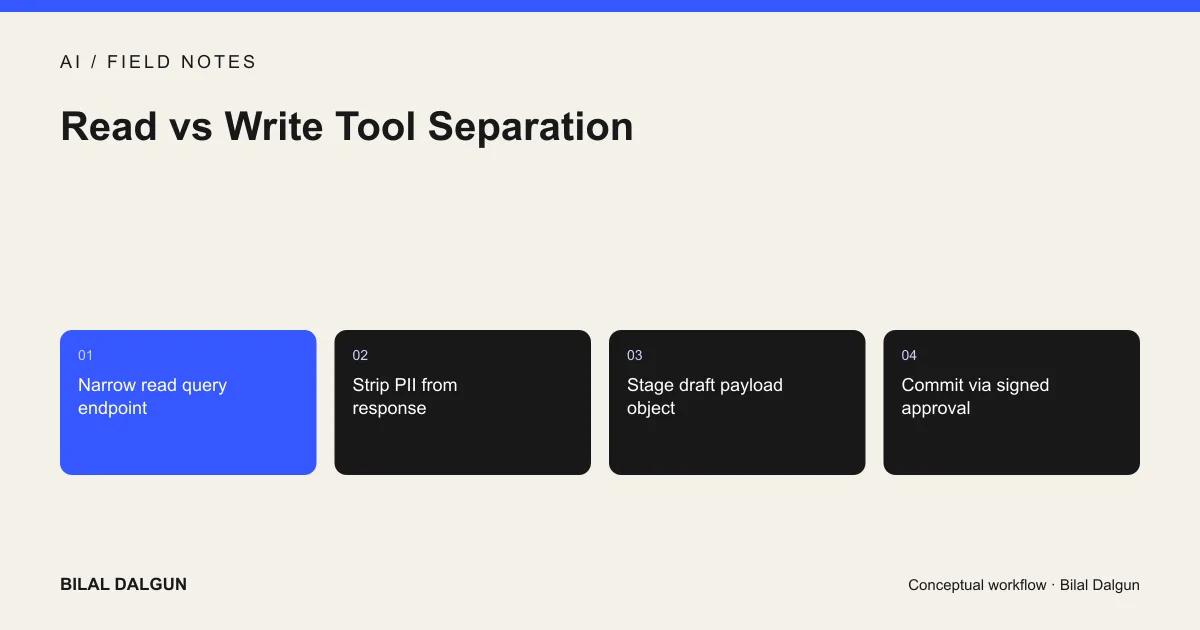
Expose narrow query tools that return only the fields needed for reasoning rather than full database rows. Stripping sensitive billing or personal identifiers from tool outputs also shrinks context bloat and lowers exposure if logs are reviewed later.
Rule 2: Enforce schema constraints and server-side allowlists
As covered in OpenAI's function calling guide, function tools rely on JSON schemas to structure inputs, and large toolsets benefit from deferring rarely used tools. Even with strict schemas, your server must re-check enum values, tenant IDs, and numeric ceilings before running any mutation.
Rule 3: Gate irreversible actions outside the model loop
Never ask the model to self-approve high-impact writes. Return a proposed action payload to a queue or UI button where a verified human operator signs off, and enforce human-in-the-loop agent design in code rather than prompt text.
Common mistakes when scoping agent tools
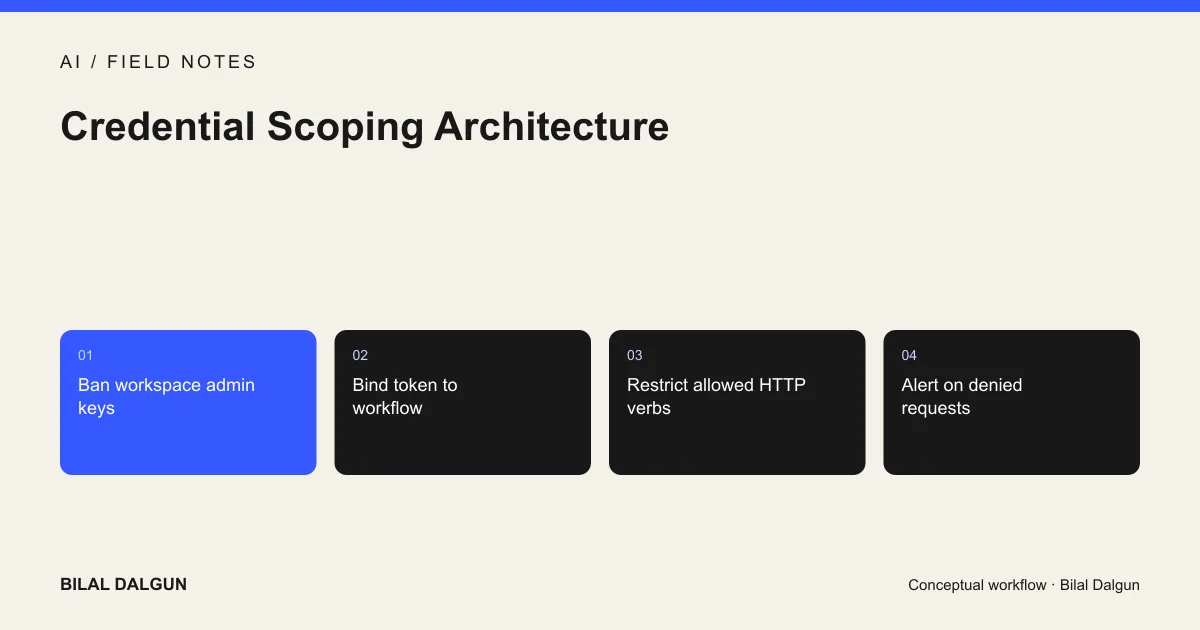
The most frequent error is passing a super-admin SaaS API token into an automation runner and trusting the system prompt to restrict which endpoints the agent calls. If the underlying credential can delete contacts, the architecture is unsafe regardless of prompt wording.
Another common mistake is registering dozens of overlapping tools in every turn. Large tool catalogs increase selection errors and waste context tokens, especially when a workflow only needs three narrow actions. Teams also forget to scope credentials per user session, allowing one customer's chat session to query another tenant's records. Pair strict tool tiers with disciplined API key management for agents to keep credentials isolated.
How I approach ai agent tool permissions
When I design tool layers for business agents, I start by writing a permission inventory before writing a single line of prompt instructions. Every requested action is tagged read, draft, or irreversible commit, and I remove any tool the workflow can complete deterministically in standard code.
In my experience, businesses rarely want full autonomy on day one; they want predictable time savings with clear accountability. Starting an agent with Tier 1 reads and Tier 2 drafts builds team trust and creates clean audit logs before any Tier 3 execution is introduced. You can inspect practical agent patterns in our Agentic AI and automation services or try interactive tooling concepts in the AI apps showcase.
Key takeaways
- Prompts guide tool choice, but server-side authorization and API token scoping enforce actual security.
- Classify every agent tool into Read-Only, Bounded Draft, or Approval-Gated Write tiers before deployment.
- Strip unnecessary fields from read responses and validate all schema arguments on your backend.
- Keep destructive or financial actions behind explicit human sign-off outside the LLM reasoning loop.
- Minimize the active tool list per step to reduce wrong tool calls and context overhead.
FAQ
Can system prompts reliably enforce AI agent tool permissions on their own?
No, system prompts cannot enforce security boundaries on their own because language models remain probabilistic and susceptible to ambiguous inputs or prompt injection. Effective permissions must live in application code and API credentials, where your backend verifies tenant scope, parameter bounds, and approval status before executing any tool call.
How many tools should a single AI agent have access to at once?
Keep the active tool set as small as the task allows, typically three to seven focused tools per workflow step. Exposing dozens of broad endpoints increases parameter confusion, token usage, and accidental writes. When an agent spans multiple domains, route requests to specialized sub-workflows or load tools dynamically only when needed.
What is the safest way to let an AI agent update a CRM or database?
The safest pattern is separating read access from draft creation and final commits. Allow the agent to fetch approved records and write proposed updates to a staging field or draft note, then let deterministic validation rules or a human reviewer trigger the final CRM state change with full audit logging.
Should an AI agent run with user-level permissions or a shared service account?
User-triggered agents should inherit the active user's permissions whenever possible so they cannot surface unauthorized records across departments or tenants. Background automations should use dedicated, narrow service accounts restricted to specific tables, operations, and rate limits rather than workspace-wide administrator credentials.
What to do next
- Inventory every external tool or webhook your current agents can invoke and label each as Read, Draft, or State-Changing.
- Replace shared admin API keys with least-privilege service tokens scoped to the exact endpoints each workflow requires.
- Add a deterministic validation and human approval step before any external email, invoice, or record deletion executes.
If you are preparing to connect AI agents to your CRM, ERP, or support stack, schedule a strategy call with Bilal Dalgun to map safe permission boundaries before rollout.
Sources
- Building effective AI agents \ Anthropic (2026-10-09)
- Tool use with Claude - Claude Platform Docs (2026-10-21)
- Function calling | OpenAI API (2025-04-14)